
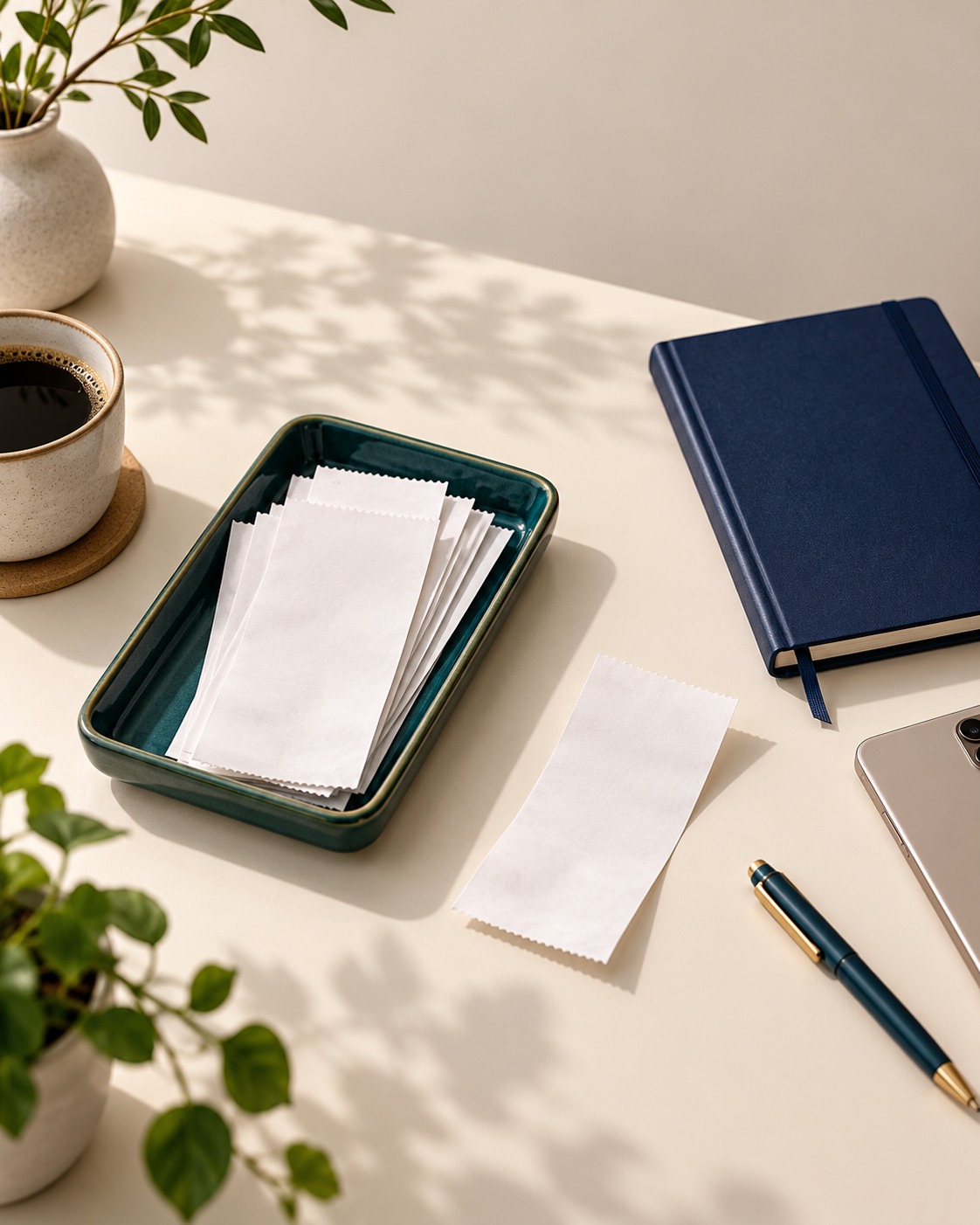
A few receipts on the counter can turn into a drawerful surprisingly quickly. Then finding the one for a return or household record takes longer than it should. A small routine, done once a week, can keep the papers easy to browse without making organization another big task.
Choose one landing spot
Give new receipts a single temporary home, such as a shallow tray or envelope near where you sort the mail. The point is to avoid scattering them across bags, pockets and kitchen surfaces. Pick a spot that is convenient enough to use, and keep it for receipts that still need a decision rather than papers you have already reviewed.
- Empty pockets and bags into the same spot when you get home.
- Keep the landing spot separate from receipts you have already filed.
Sort with a clear question
During a weekly reset, look at each receipt and ask what you may need it for. Some are useful for a return, warranty, appointment or household record; others are no longer needed. If a receipt relates to a specific item or task, keep those details together so you will not have to reconstruct the context later.
- Group receipts by the item, errand or task they relate to.
- Set aside receipts that need follow-up, such as checking a return window.
File the keepers where you will look
Choose a simple filing method you can maintain: an envelope for each month, a small folder by household category, or a clearly labeled digital copy if that suits your routine. Keep the original when you have a practical reason to do so, and avoid creating so many categories that filing takes longer than the weekly sort.
- Label folders in plain language, such as “home” or “returns.”
- At the next review, remove papers that no longer serve a purpose.
The useful part is the repeatable rhythm: collect receipts in one place, make a quick keep-or-discard decision, and file the few that still matter. A brief weekly reset can make an ordinary search feel more straightforward.
An account is required. Some features and cloud capacity depend on the Plus subscription. Eligible free-plan users may see ads. Check the in-app plan details. Review AI-assisted results for accuracy.